Tired of Clunky Shortcuts and Cluttered Desks?
Ever find yourself tangled up in complex keyboard shortcuts while video editing, streaming, or grinding in your favorite RPG? Or maybe you just want a dedicated volume dial and media pad without sacrificing precious desk real estate to a full-sized numpad.
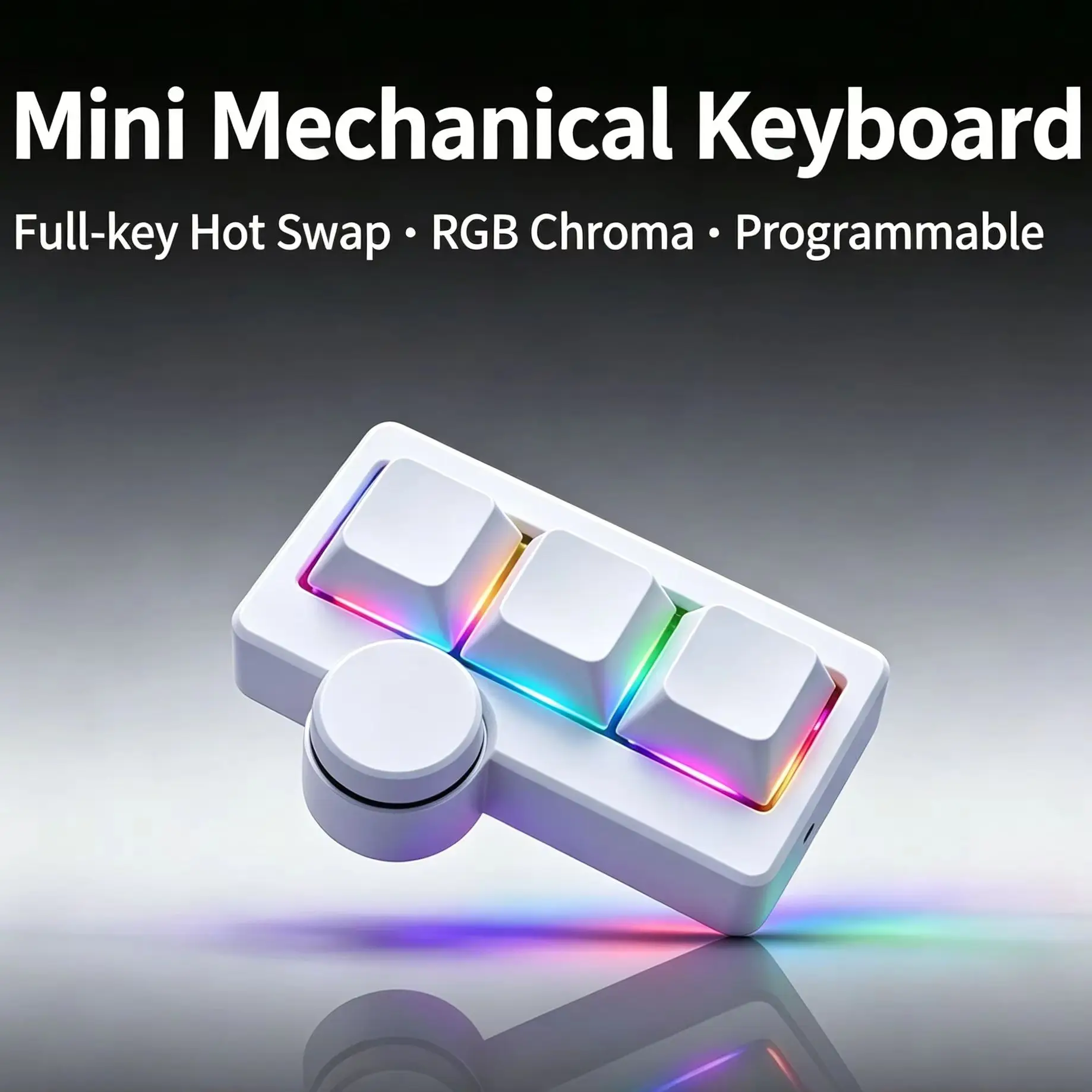
Normally, dedicated macro pads and specialized mini mechanical keypads from big-name gaming brands run anywhere from $50 to well over $100. That’s why my deal radar went off when I stumbled across this Hot-Swappable RGB Gaming Wired Mini Keyboard sitting right around $14.15. Boasting a staggering 98.1% positive customer approval, I had to see if this ultra-cheap peripheral actually delivers or if it’s just budget bait.
Why It’s a Steal
At just around $14.15, the price-to-performance ratio on this gadget is practically off the charts. You are getting hot-swappable switch sockets, programmable layers, and dynamic RGB lighting for less than the cost of a couple of burritos.

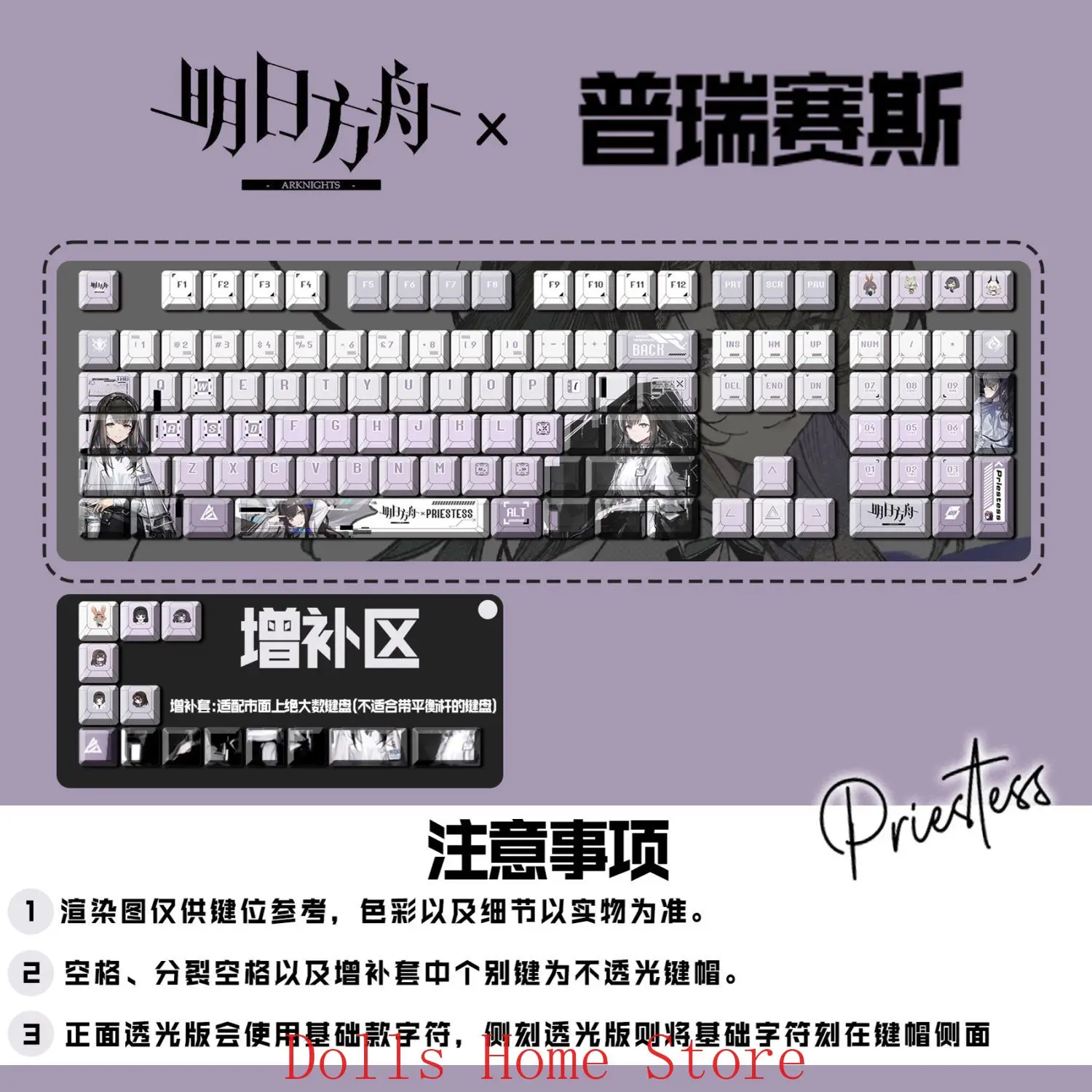
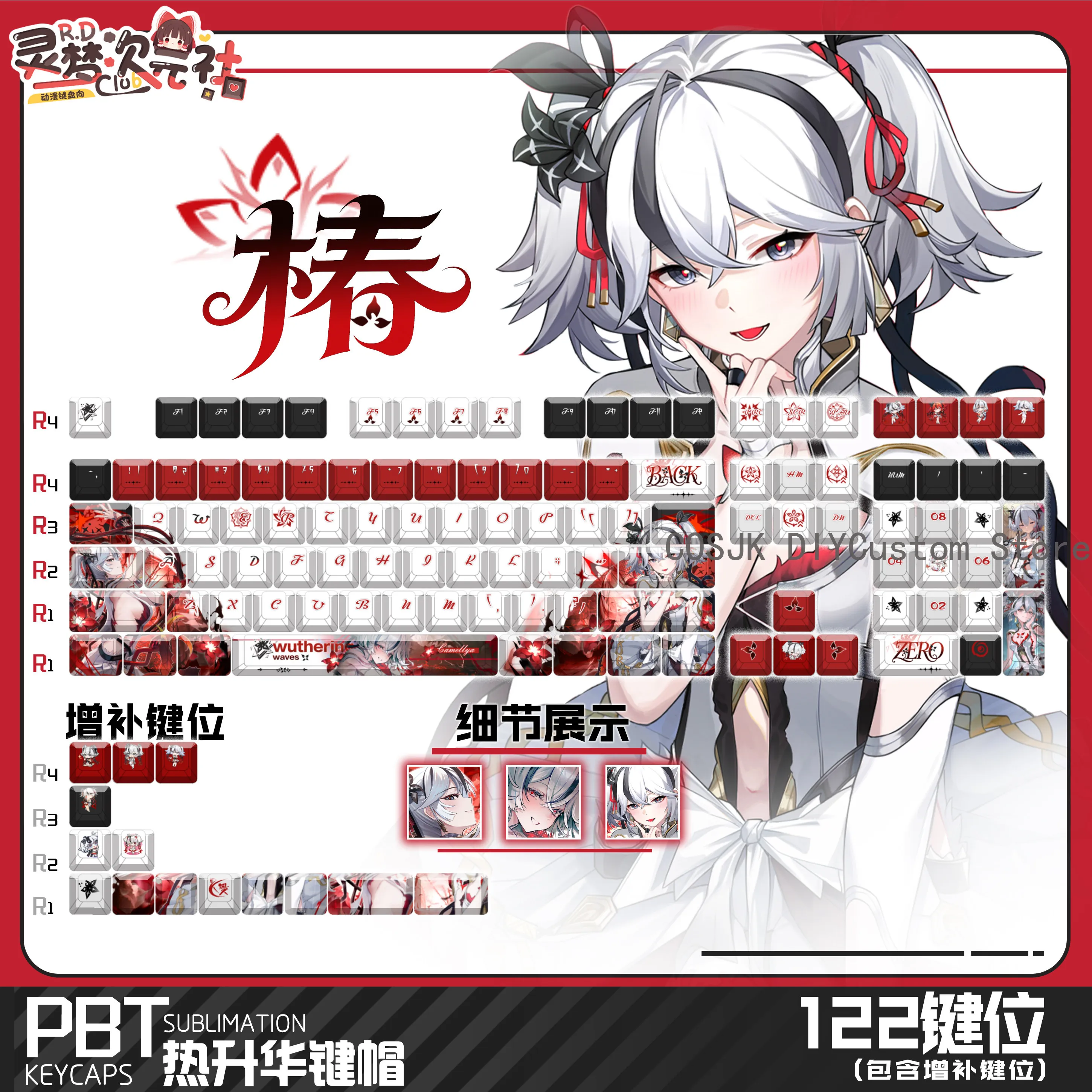
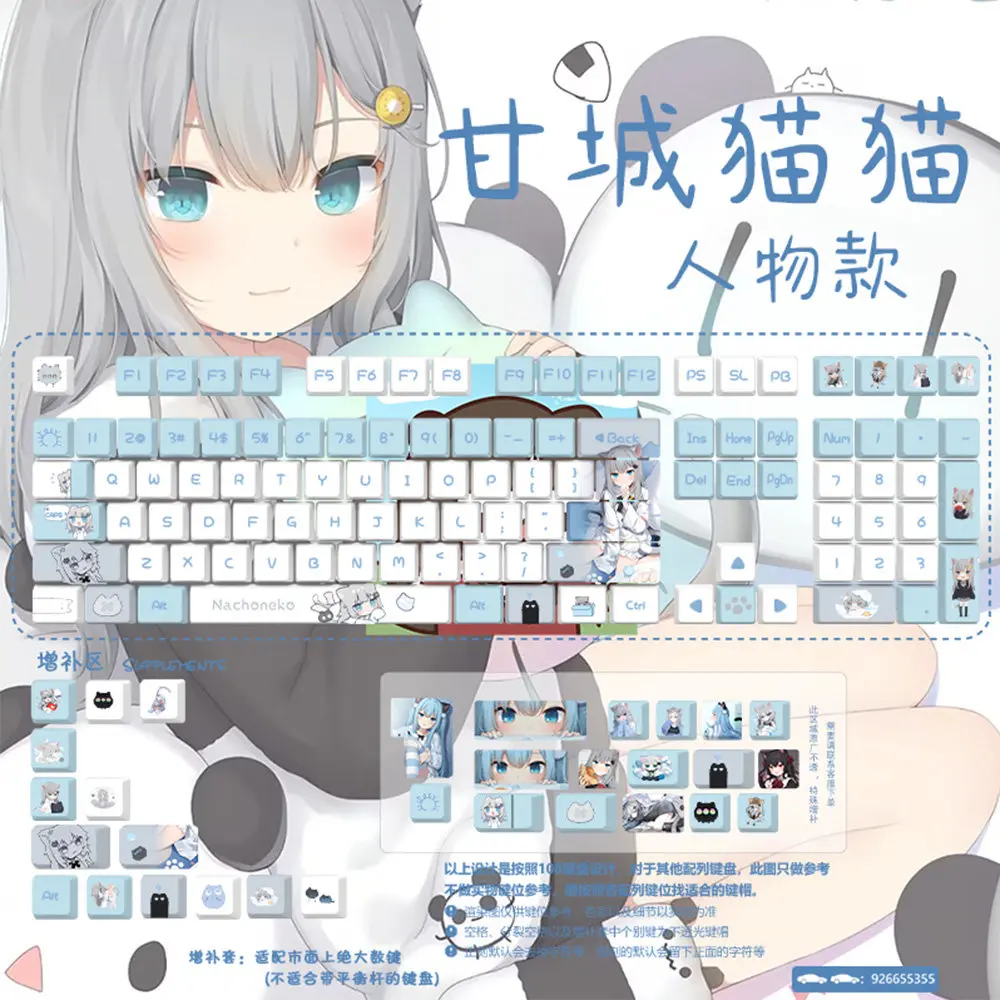
Let’s keep expectations honest: you aren’t getting an aircraft-grade aluminum CNC chassis or boutique lubricated switches out of the box. But what you are getting is a reliable, ultra-functional USB device that does the exact same job as pads costing four times as much. Plus, pairing affordable desk upgrades—like custom keycaps from our Arknights Priestess 122-Key Keycap Set Review—proves you can build a dream aesthetic on a realistic budget.
Key Features Deep Dive
1. True Hot-Swappable Sockets
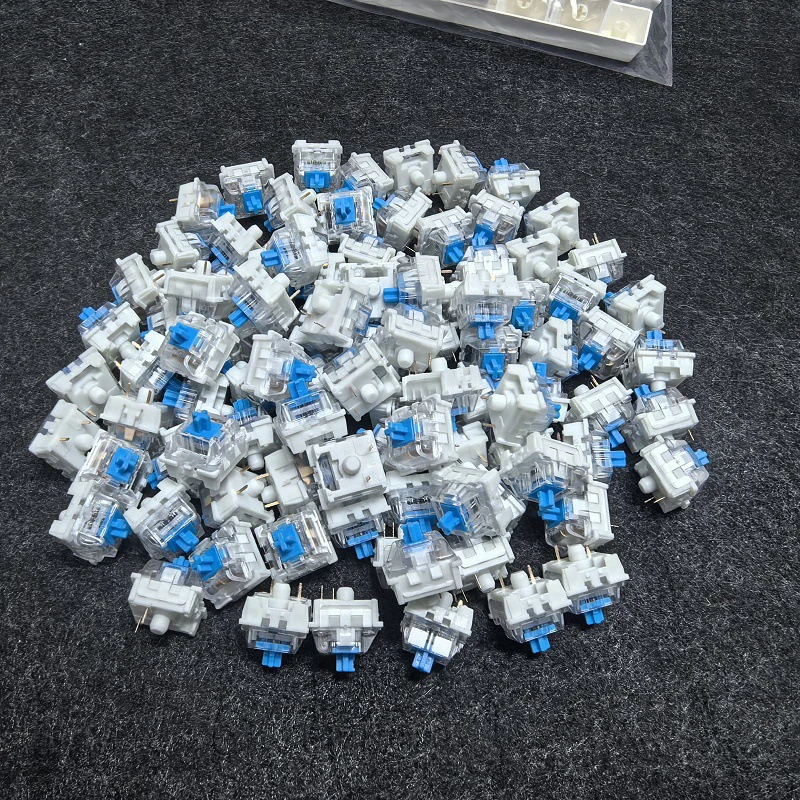
The standout feature here is undoubtedly the hot-swappable switch design. If you dislike the stock click or feel, you do not need to pull out a soldering iron to fix it. You can pop out the switches and drop in your favorite mechanical switches (linear, tactile, or silent) in seconds. This allows you to completely tune the tactile feedback specifically for gaming reactions or whisper-quiet office typing.
2. Multi-Combination & Custom Shortcut Programming
This keypad isn’t just a mini keyboard; it’s a dedicated command center. With custom mapping, you can configure individual keys to execute complex multi-key macros, multimedia actions (play/pause, volume jumps), or Photoshop tools with a single click. For video editors, streamers, and CAD designers, having your most repetitive hand-cramping keybinds right under your fingertips will shave hours off your week.
3. Compact Portability & Vibrant RGB
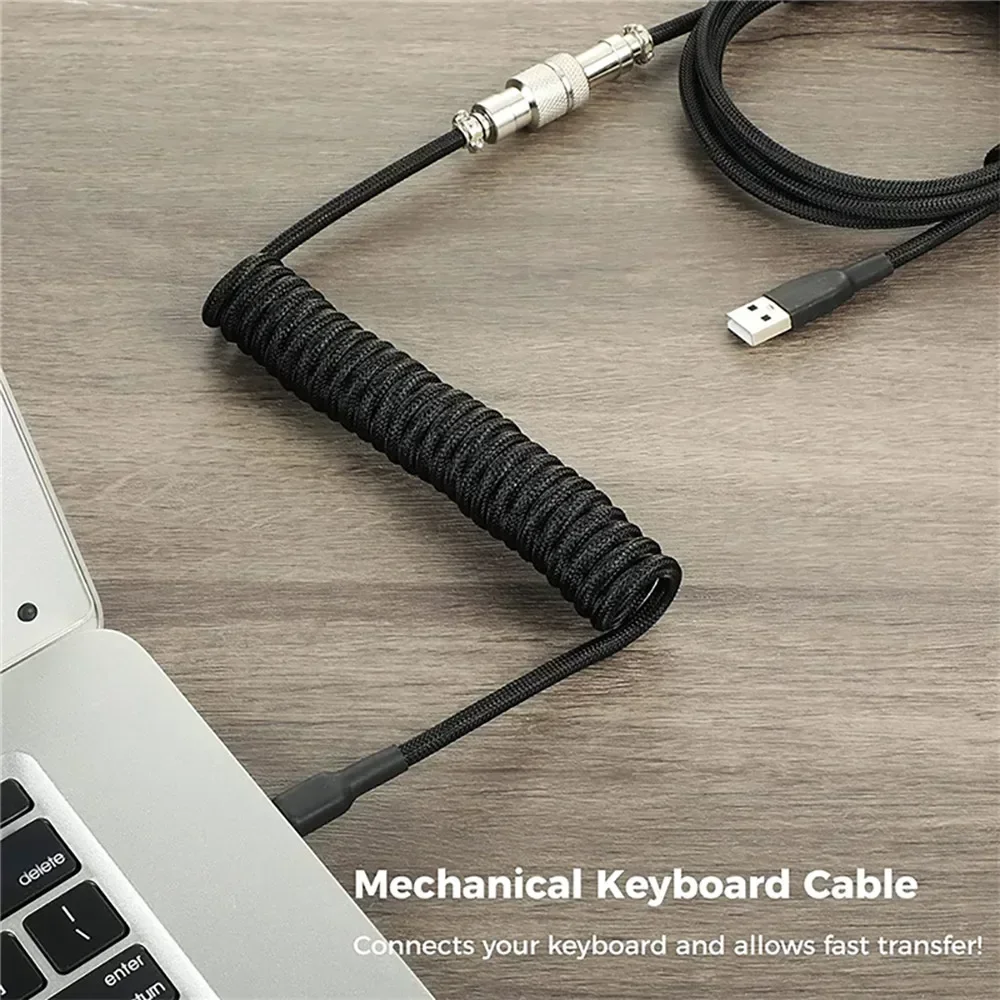
Thanks to its wired detachable USB setup and featherlight footprint, you can slip this device into your laptop bag and take your custom productivity bindings anywhere. The built-in customizable RGB backlighting isn’t just eye candy either; it helps you navigate custom key profiles in low-light gaming environments while looking slick on your desk mat.
Who Is This For?
This mini keyboard hits the sweet spot for several distinct groups:
- Streamers and Content Creators: Looking for a cheap alternative to expensive macro stream controllers.
- Competitive Gamers: Players who want an ultra-compact input cluster angled comfortably for FPS or rhythm games (like OSU!).
- Productivity Ninjas & Designers: Office workers who want single-button access to repetitive workflows, cut/copy/paste macros, or zoom controls.
✅ Pros
- Unbeatable value at roughly $14.15
- Hot-swappable switches allow easy modding
- Customizable shortcuts and multimedia controls
- Vibrant RGB backlighting
- Ultra-compact and travel-ready
🔻 Cons
- Configuration software can feel clunky at first
- Lightweight plastic body (may slide on slick desks without rubber feet)
- Wired only (no Bluetooth or 2.4GHz wireless)
Final Verdict
At the end of the day, the Hot-Swappable RGB Gaming Wired Mini Keyboard proves you don’t need to drop $60+ to get a versatile, customizable macro solution. It does have typical budget quirks—the plastic housing is lightweight and the configuration app takes a minute to master—but once it’s set up, it performs like a champ. For under $15, it’s one of the best value-add desk accessories you can buy right now.
Frequently Asked Questions
Can I swap out the stock switches with Cherry MX or Gateron switches?
Yes! The hot-swap sockets accept standard 3-pin mechanical switches, meaning you can easily upgrade to Gateron, Cherry, Outemu, or Akko switches to match your preferred typing feel.
Do my programmed shortcut keys save when I plug it into another computer?
Yes. The keyboard features onboard memory chip storage. Once you program your macros and button functions via the software, the settings remain stored on the board even if you switch PCs.
Does this mini keypad work on both Windows and macOS?
Yes, it works as a standard plug-and-play input device on both Windows and Mac. However, initial macro configuration software is typically easiest to run on a Windows PC before migrating the pad to a Mac.
Check Best Price ➔
*Price may vary based on promotions.