
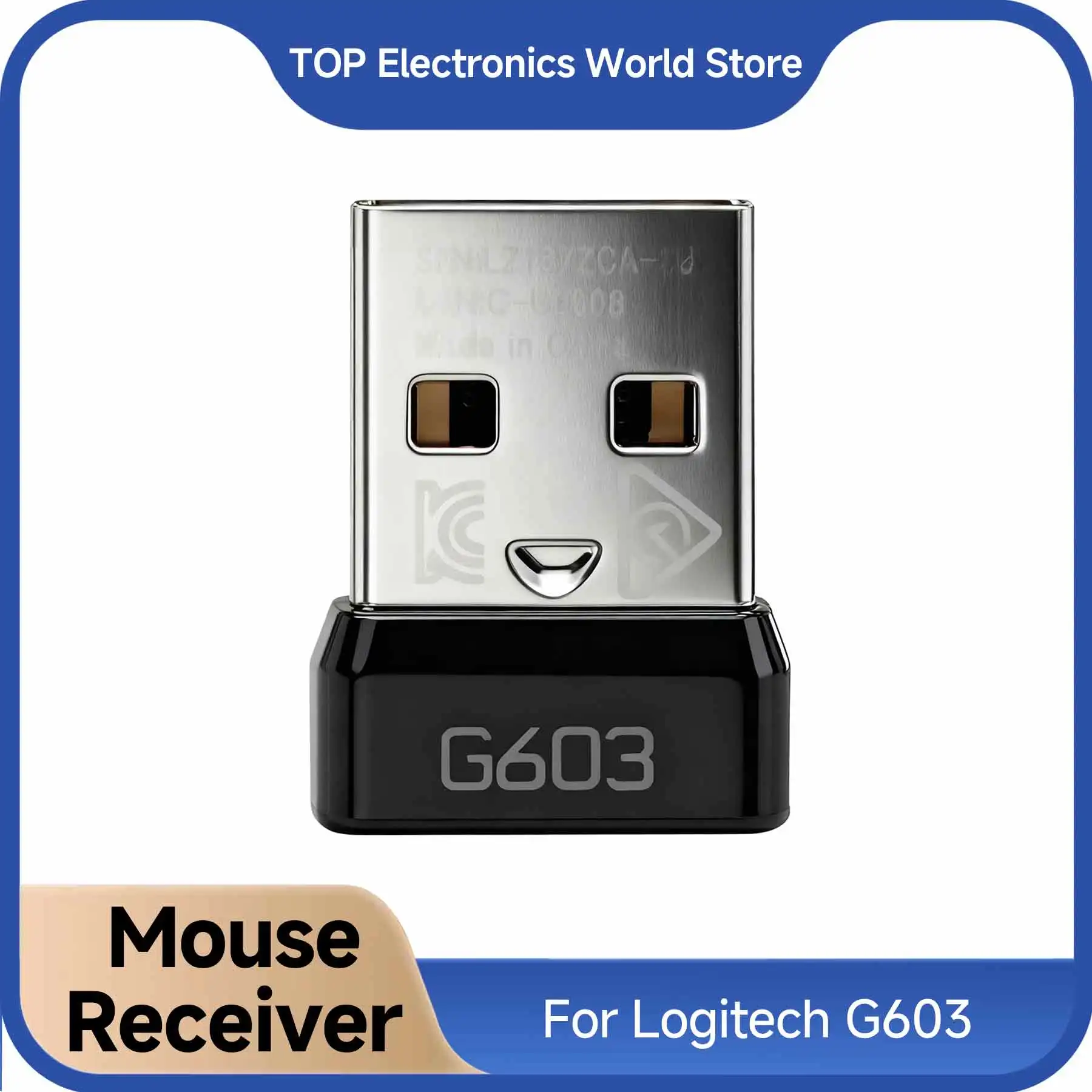
We have all experienced that sudden sinking feeling. You reach into your laptop bag or glance behind your desktop tower, only to realize the tiny wireless USB dongle for your favorite mouse has vanished into thin air. If you own a Logitech G603, losing that proprietary plug usually means you are stuck using higher-latency Bluetooth or staring at an expensive paperweight.
Before you cough up $60 or more for an entirely new gaming mouse, there is good news: you can resurrect your setup for roughly the cost of a fancy coffee. This replacement Logitech G603 USB receiver costs around $7.49, making it the ultimate budget-saving lifeline for gamers and office warriors alike.
Why It’s a Steal
Finding original replacement parts directly from major tech brands can be a nightmare—Logitech rarely keeps loose receivers in stock, and scalpers often charge $25 to $35 for salvaged parts online. Snagging a dedicated Logitech G603 replacement dongle for just $7.49 delivers maximum bang for your buck.

Much like hunting down smart, practical bargains—whether it is finding a handy travel organizer or deciding if an ultra-budget item can actually save you money—this little adapter proves that smart repairs beat wasteful replacements every single time.
Key Features Deep Dive
1. Restores True Low-Latency LIGHTSPEED Gaming
While the Logitech G603 features built-in Bluetooth, Bluetooth caps out at a sluggish 88–125Hz polling rate, introducing noticeable input delay in fast-paced shooters and MOBAs. This replacement dongle reconnects to the mouse’s proprietary 2.4GHz protocol, restoring the full 1ms report rate (1000Hz) in HI performance mode. You get snappy, esports-ready tracking right back where you left off.
2. Quick Software Pairing
Because Logitech wireless peripherals use cryptographic handshakes for security, no replacement receiver works instantaneously upon plugging it in. However, setup is a breeze: simply plug the dongle into a USB port, launch the official Logitech G HUB or the lightweight Logitech Onboard Memory Manager (OMM) / Connection Utility, and follow the simple 10-second pairing prompt. Once synced, your mouse is locked in permanently.
3. Compact, Flush Profile
The dongle features the standard low-profile nano form factor. You can leave it plugged into your gaming laptop’s USB port without worrying about snagging it on bags, sleeves, or cables. It also slides neatly into the internal dongle storage slot located under the G603’s magnetic top shell whenever you travel.
Who Is This For?
This replacement dongle is ideal for:
- Gamers who lost their original adapter and want to avoid buying a whole new mouse.
- Multi-device power users who want a dedicated dongle permanently plugged into their desktop rig while taking the mouse on the go.
- Bargain hunters who picked up a cheap, “receiver-less” Logitech G603 on the secondhand market and need a budget-friendly way to complete the package.
✅ Pros
- Incredible value at around $7.49
- Restores full 1000Hz LIGHTSPEED gaming performance
- Easy pairing using free Logitech utility software
- Identical compact nano design
- Saves a perfectly functional mouse from e-waste
🔻 Cons
- Requires a 2-minute pairing process via PC software
- Specific to the G603 model (will not pair with G305, G502, or G Pro)
Final Verdict
Tossing out a perfectly functioning gaming mouse because of a missing $7 part is a tragedy for your wallet. This generic replacement receiver does exactly what it promises: it pairs seamlessly through Logitech’s official tools and delivers lag-free wireless responsiveness on the cheap. For under eight bucks, it is easily one of the most cost-effective hardware saves you will ever make.
Frequently Asked Questions
Does this receiver work right out of the package without setup?
No. For security and anti-interference reasons, any replacement Logitech wireless receiver must first be paired to your mouse using software. You can easily do this via Logitech G HUB or the Logitech Connection Utility in less than a minute.
Will this USB adapter work with other Logitech gaming mice like the G305 or G703?
No. This specific receiver firmware is intended solely for the Logitech G603 LIGHTSPEED mouse. Other models require their own respective model-coded receivers.
Does it introduce more input lag than the original factory dongle?
In testing, input latency is virtually indistinguishable from the factory unit. When set to ‘HI’ mode on the mouse switch, it reports at the full 1000Hz (1ms) gaming rate.
Check Best Price ➔
*Price may vary based on promotions.